ATS Resume Tips
Why Canva Resumes Fail ATS Scans
TL;DR
- Not every Canva resume fails, but many Canva-style templates use layouts that confuse applicant tracking systems.
- The biggest issues are multi-column designs, icons in place of labels, text inside shapes, and non-standard headings.
- If you are applying through online portals, keep an ATS-safe version built on a clean single-column or restrained two-column template.
- If you want a safer alternative, start with our ATS-friendly resume templates and follow our ATS resume guide.
- Recruiters spend 6 seconds on an initial screen; if the ATS garbles your data, you might never even get those 6 seconds.
Why Your Canva Resume is Invisible to AI Recruiters in 2026
The core problem is a format mismatch.
An applicant tracking system tries to parse text into predictable sections such as summary, experience, education, and skills. Canva, by contrast, markets a very broad set of visual resume templates that prioritize appearance and design flexibility.
That does not make Canva bad. It makes Canva risky for ATS-heavy job applications.
If a template uses decorative sidebars, floating text boxes, graphics, icons, or unusual section labels, the parser may read your resume out of order, miss critical keywords, or merge unrelated content into one block. Recruiters then see incomplete or badly structured application data even when your actual experience is strong.
Keep two versions if you need them: one visual resume for networking or direct outreach, and one ATS-safe resume for application portals.
What usually breaks parsing
| Design choice | What ATS may do | Safer fix |
|---|---|---|
| Heavy multi-column layout | Reads left to right in the wrong order and mixes sections together | Use a single-column or restrained ATS-friendly layout |
| Icons for phone, email, or links | Misses contact context or strips meaning from the line | Write plain text labels and full links |
| Text in shapes, banners, or graphics | Drops content entirely or merges it into noise | Keep all core content as selectable body text |
| Creative section names | Fails to map content to experience, education, or skills | Use standard headings recruiters expect |
| Dense visual decoration | Adds clutter without improving keyword relevance | Let content and metrics do the work |
Three failure patterns show up most often:
1. The parser reads the resume in the wrong order
Many visually rich templates place skills, contact details, and experience in separate boxes or columns. A parser may pull the sidebar first, then jump into the body, then return to the header. That can scramble your work history and weaken keyword matching.
2. Important content looks like decoration
When names, job titles, dates, or skills are embedded inside shapes or stylized blocks, some systems treat them as formatting instead of content. That is especially dangerous for your current title, location, and top skills because those fields often influence early screening.
3. The resume looks better than it parses
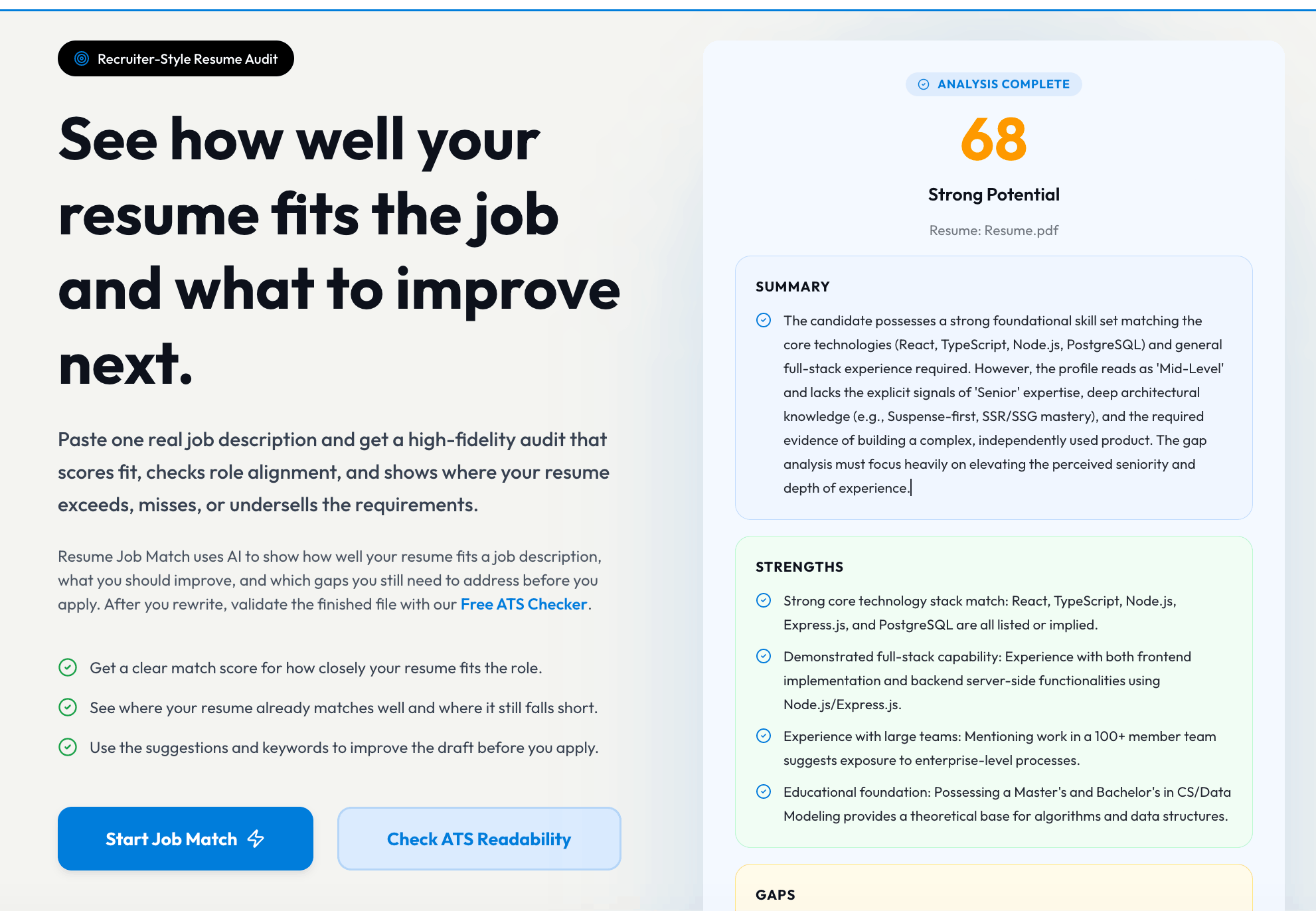
A Canva PDF can look polished to a human reviewer while still parsing poorly in the ATS preview. This is where job seekers get trapped: the document feels professional, but the software sees broken structure.
When Canva is still okay
Canva can still be useful if:
- You are sending your resume directly to a human recruiter who will open the file manually.
- You work in design, brand, content, or portfolio-heavy roles where presentation itself is part of the evaluation.
- You are using Canva to produce a networking version, speaker bio, or one-page leave-behind rather than the application version.
Even then, the safest workflow is to keep a plain, ATS-friendly version ready for any portal upload. Most hiring funnels still start with software before a person reviews the document.
What to use instead
If your target is interviews, not just aesthetics, use a format optimized for both parsing and recruiter readability:
- Standard headings:
Summary,Experience,Education,Skills - Consistent date formatting
- Bullets focused on achievements, not responsibilities
- Minimal icons, no text boxes, no tables for core content
- Clean typography and strong spacing instead of visual effects
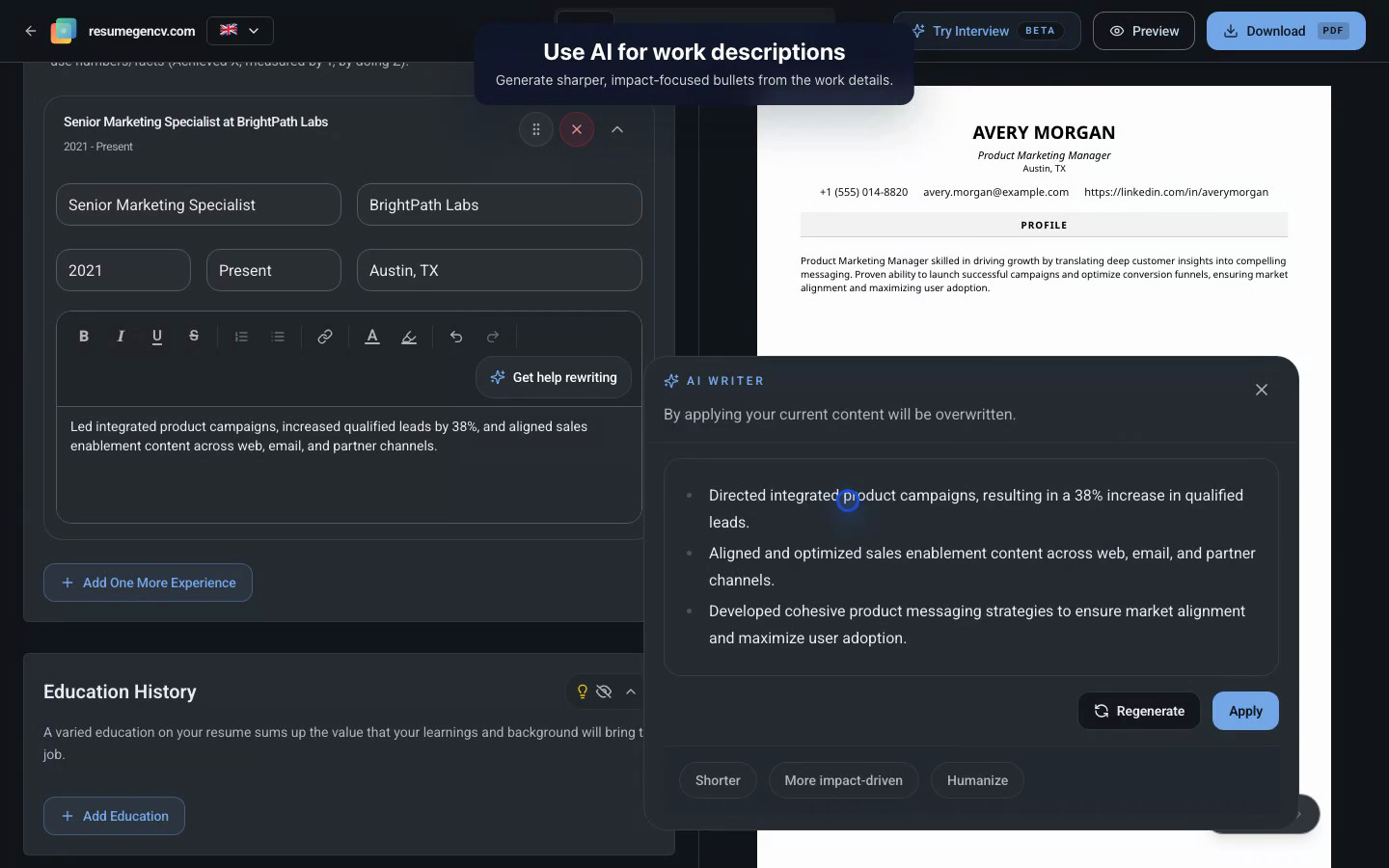
That is exactly what our ATS-friendly resume templates are designed for. If you want the reasoning behind the structure, read the full ATS-friendly resume guide. If you want a builder that stays usable on mobile and desktop without locking download behind a design-first workflow, start in the ResumeGenCV app.
Quick ATS self-check before you apply
Before uploading any resume, run this five-minute check:
- Export to PDF.
- Copy all text from the PDF and paste it into a plain text document.
- Check whether your name, contact info, job titles, employers, and bullet points stay in the correct order.
- Make sure section headings are obvious and conventional.
- Compare the resume wording with the target job description and add missing keywords that genuinely apply to you.
If the pasted text is jumbled, missing, or hard to scan, the ATS version is not ready.
Final verdict
The real issue is not Canva itself. The issue is using a design-first resume in a parser-first hiring workflow.
If you are applying through ATS-heavy job portals in 2026, a visually impressive Canva template is often the wrong default. Use a clean ATS-safe template first, then create a more visual version only when the situation actually rewards it.